

As a partner Admin, you can add a new team member to your Rippling partner company.
-
Log into your Rippling partner company.
-
Click the Add people option on the left-hand side.
-
Select Add a single user or Add multiple users.
-
Input the team member's details.
-
After the profile has been processed, you'll have the option to auto-send the email or send the email separately.
-
Once the email has been sent, the user will register using the same email address that the invitation was sent to. There will be an optional onboarding flow the user can skip once they have logged in.
-
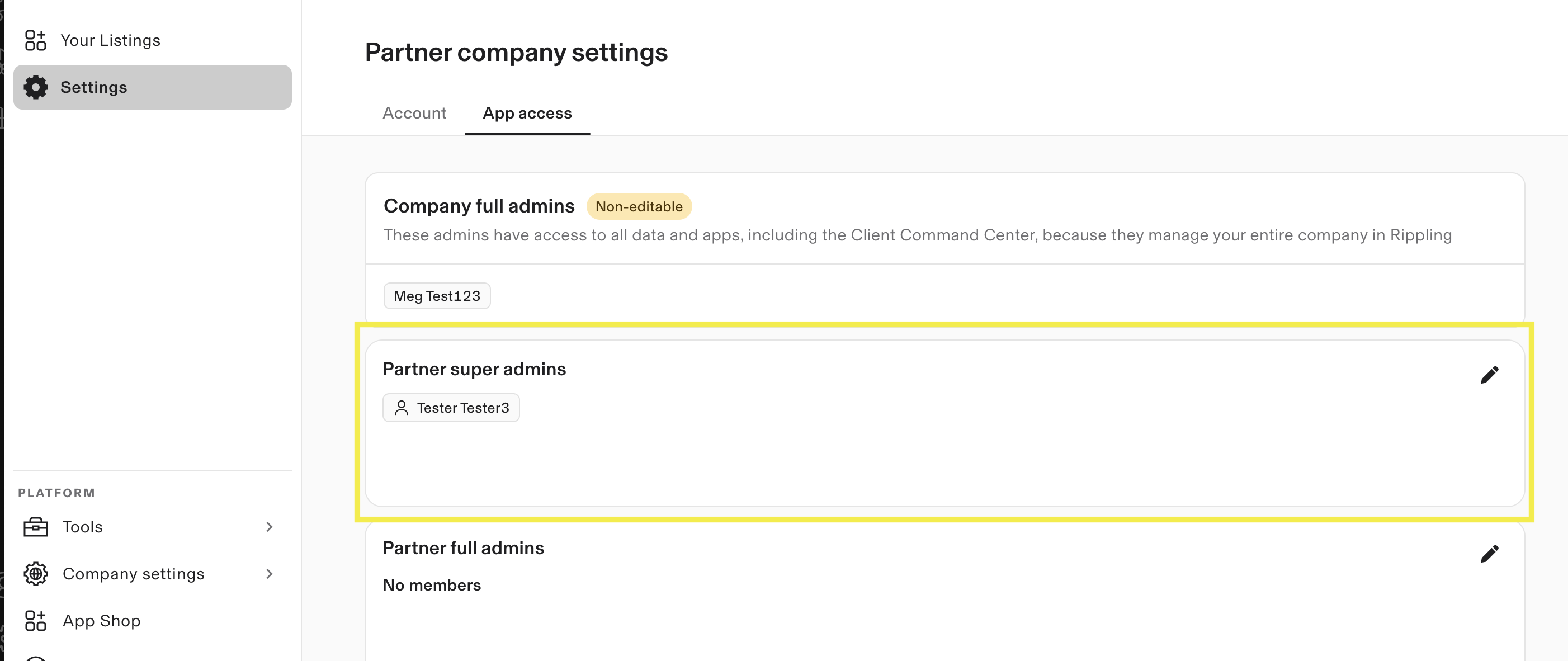
After the user has completed registration, you will navigate to Partner > Client Command Center > Settings > App access in the partner company. You will add this user as a "Partner super admin", as this will allow them to manage any app listings.
While these steps will add a team member to the partner company, in order to add a team member to the test company, please see here.