

As an Admin for your test company, you can also add additional Admins/Employees to utilize the test company for testing purposes. In order to do this, you'll "hire" the team member and then create an Admin permission profile for them.
To hire this employee, you'll first navigate to the Admin account in your test company and select the hire option in the left-hand navigation bar.
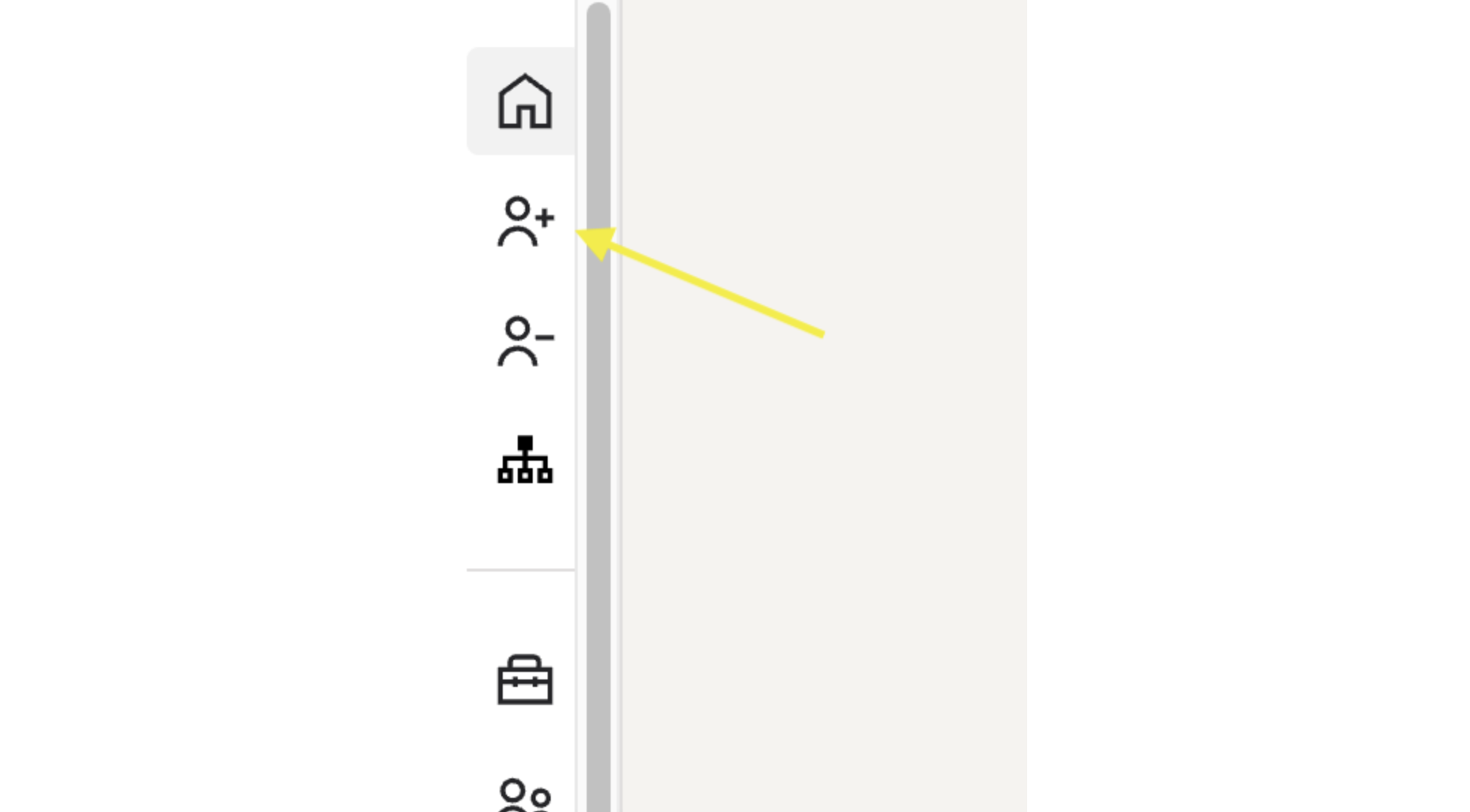
From here, you'll follow the instructions listed in the Hire an employee based in the US Help Center article.
After the employee has been hired, you'll then create a Super Admin permission profile for them. This will allow them to have Super Admin privileges within the test company.
To create a Super Admin permission profile, please follow the instructions in Add or remove an admin from a permission profile.
After these steps have been completed, your team member will be able to access the test company as an Admin and Employee.