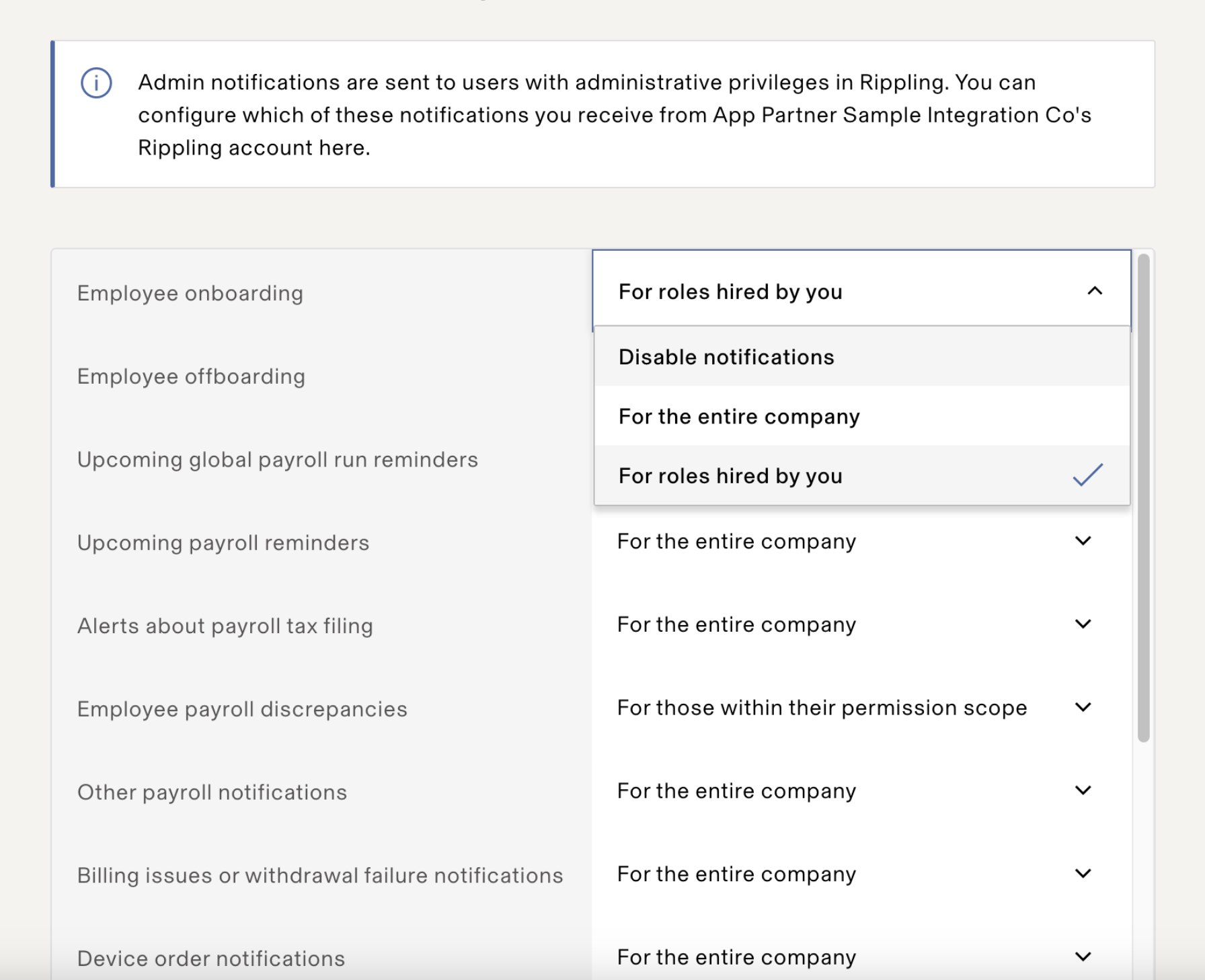
To install your app listing, Rippling will provide you access to an test company. This test company, when created, will be seeded with dummy data for you to use to test your integration.
As part of the seeding process, your Super Admin email address will receive automated emails from Rippling. These automated emails simulate the types of communications that customers receive based on actions and conditions met in Rippling.
Turning off email notifications
1. Log into test company
2. Click on account settings
3. Select the "Notifications" tab
4. Specify notification settings
Click the Edit pencil icon and set notifications to your desired settings for RPass passwords and task reminders.
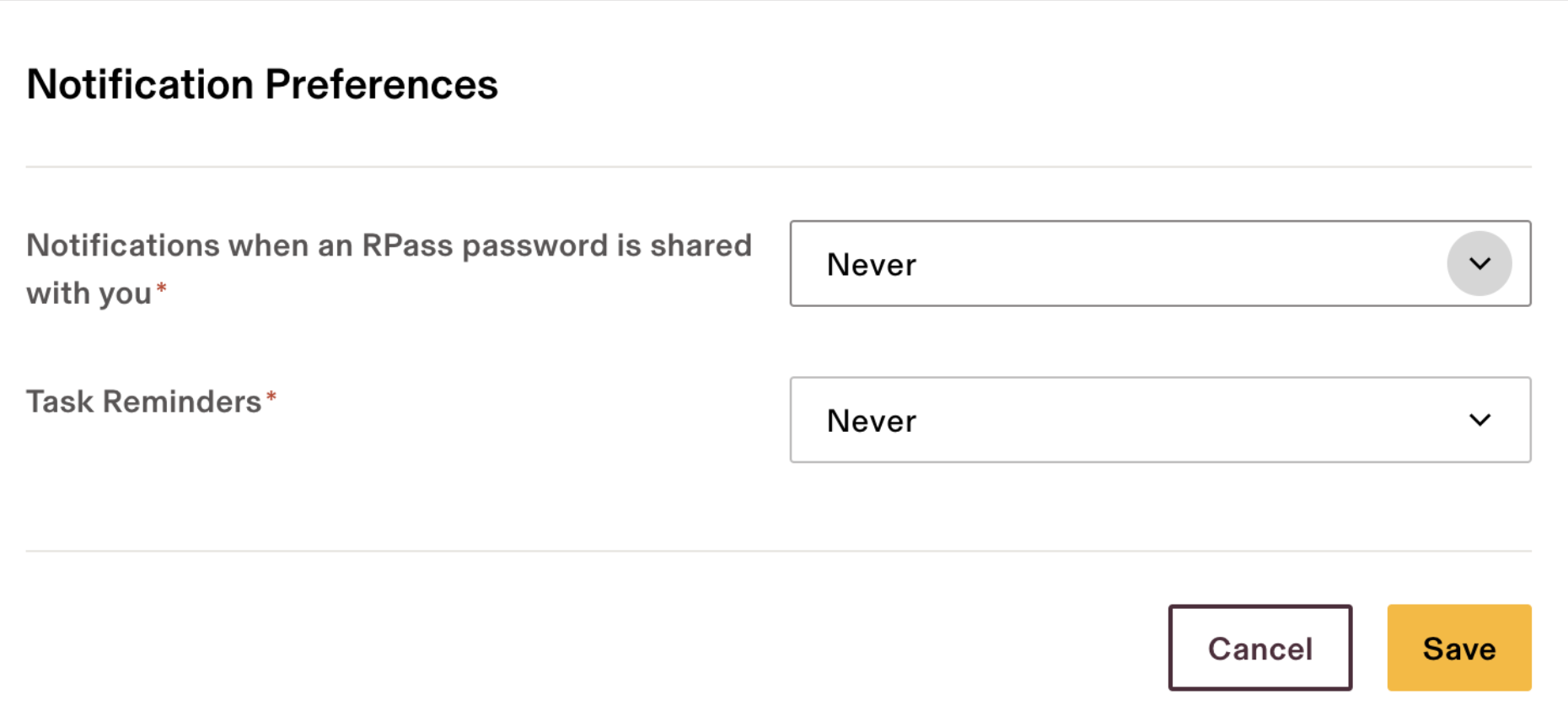
5. Customize notifications
Under the Admin Notifications Settings, choose which types of admin notifications you want to turn off.