Overview
IT APIs offer access to app user, device, device orders, and software deployment information. This data can then be used to build custom automations, integrations, and reporting solutions within Rippling.
App Users
| API endpoint | Required scopes | Schema | Notes / Requirements |
|---|---|---|---|
| GET List app users |
|
| |
| GET Retrieve a specific app user |
|
|
|
Devices / Device Orders
| API endpoint | Required scopes | Schema | Notes / Prerequisites |
|---|---|---|---|
| GET List devices |
|
| |
| GET Retrieve a specific device |
|
|
|
| GET List device orders |
|
| |
| GET Retrieve a specific device order |
|
|
|
Software Deployments
| API endpoint | Required scopes | Schema | Notes / Prerequisites |
|---|---|---|---|
| GET List software deployments |
|
| |
| GET Retrieve a specific software deployment |
|
|
|
| POST Create a new software deployment |
|
|
|
| PATCH Update a software deployment |
|
|
|
| DELETE Delete a software deployment |
|
|
Permissions & scopes
Rippling's V2 API uses a permissions-based access model. The data returned by an endpoint depends on:
- The permission profile of the user who creates the API token. This includes the permission scope (e.g., “The entire company” vs. “Direct reports only”) and employment data access level (e.g., “View and edit all sensitive data” vs. “View all basic personal”).
- The scopes selected when the token is created.
The Required Scopes for each endpoint are listed in the API reference documentation.
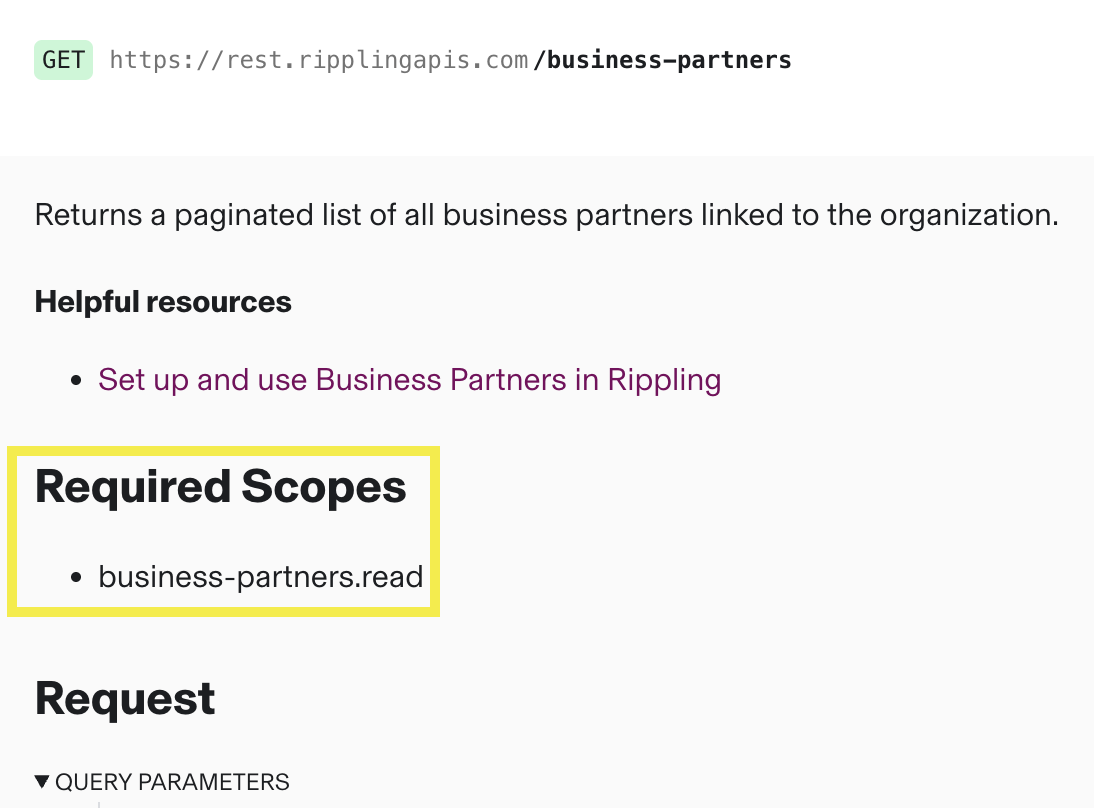
For more information on managing access using API tokens and permission profiles, see API Tokens and Permissions.
Call the API
To call an IT API endpoint:
- Verify the user’s permission profile and ensure they have the permissions required to access the desired data.
If the user’s permissions are limited (for example, “Basic personal data for direct reports only”):
- Some scopes will not be available when creating the API token.
- The API response will return limited data.
- Create an API token in the Developer app with the required scopes.
- Call the endpoint using the generated token.
Some endpoints require a specific resource ID (for example, a worker_id). In these cases, call the corresponding list endpoint first to fetch the ID (e.g. call GET List workers before calling GET Retrieve a specific worker).
Example: GET List devices
Request:
curl -L -X GET 'https://rest.ripplingapis.com/devices/' \
-H 'Accept: application/json' \
-H 'Authorization: Bearer REDACTED'
Response:
{
  "__meta": {
    "redacted_fields": []
  },
  "results": [
    {
      "id": "66b26001a91aca1dfb199301",
      "created_at": "2026-03-17T21:37:32.953000+00:00",
      "updated_at": "2026-04-02T14:11:08.120000+00:00",
      "serial_number": "C02YL0ABMD6M",
      "worker_id": "58d3a1f0e4b0a12c3d456789",
      "worker": null,
      "platform": "MACOS",
      "model": "MacBookPro18,3",
      "os_name": "macOS",
      "os_version": "15.3.1",
      "lifecycle_state": "ACTIVE",
      "enrollment_status": "ENROLLED",
      "mdm_provider": "RIPPLING",
      "is_managed": true,
      "is_encrypted": true,
      "last_checkin_at": "2026-04-02T14:05:00.000000+00:00",
      "last_mdm_sync_at": "2026-04-02T13:40:00.000000+00:00",
      "pending_actions_id": [],
      "pending_actions": null
    }
  ],
  "next_link": null
}