Overview
Talent APIs offer access to information throughout the employee life cycle, from headcount planning, recruiting, and compensation. This data can then be used to build custom automations, integrations, and reporting solutions within Rippling.
Compensation Bands
| API endpoint | Required scopes | Schema | Notes / Requirements |
|---|---|---|---|
| GET List compensation bands details |
|
| |
| GET Retrieve a specific compensation bands detail |
|
|
|
| GET List job functions |
|
| |
| GET Retrieve a specific job function |
|
|
|
| GET List location factors |
|
| |
| GET Retrieve a specific location factor |
|
|
|
Headcount Planning
| API endpoint | Required scopes | Schema | Notes / Prerequisites |
|---|---|---|---|
| GET List headcount positions |
|
| |
| GET Retrieve a specific headcount position |
|
|
|
| GET List headcount priorities |
|
| |
| GET Retrieve a specific headcount priority |
|
|
|
Recruiting
| API endpoint | Required scopes | Schema | Notes / Prerequisites |
|---|---|---|---|
| GET List candidate applications |
|
| |
| GET List candidates |
|
| |
| GET List job requisitions |
|
| |
| POST Create a new job requisition |
|
|
|
Permissions & scopes
Rippling's V2 API uses a permissions-based access model. The data returned by an endpoint depends on:
- The permission profile of the user who creates the API token. This includes the permission scope (e.g., “The entire company” vs. “Direct reports only”) and employment data access level (e.g., “View and edit all sensitive data” vs. “View all basic personal”).
- The scopes selected when the token is created.
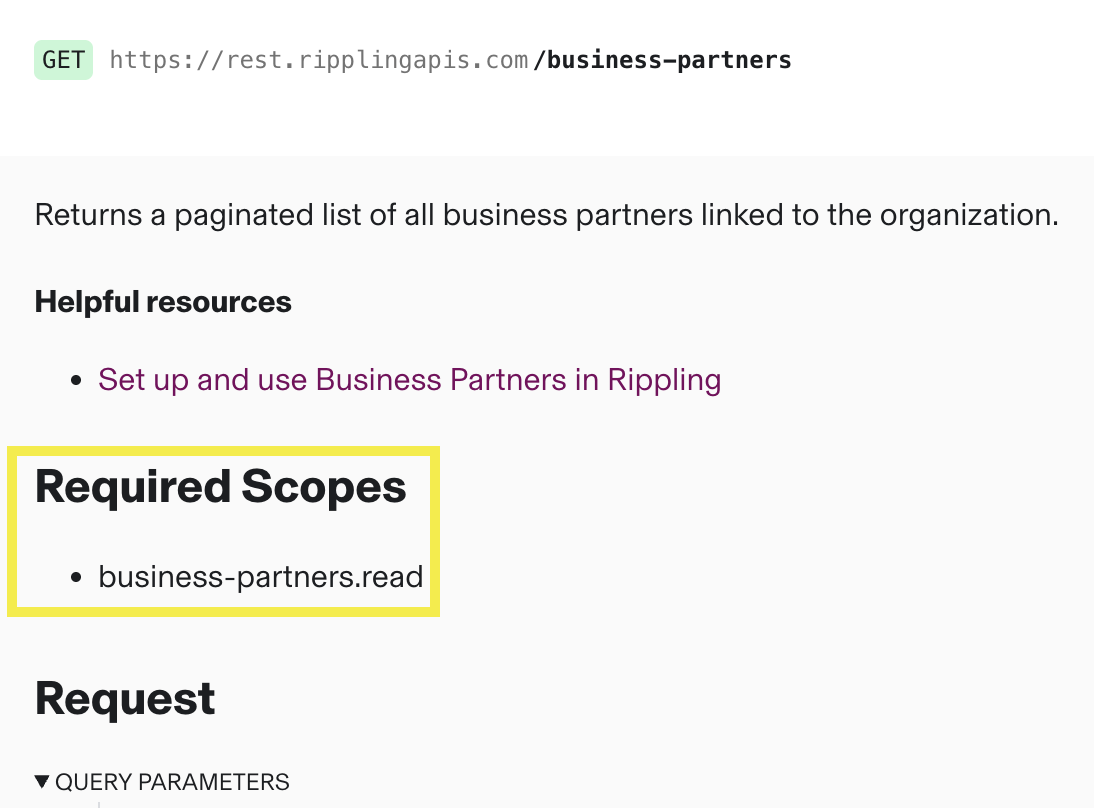
The Required Scopes for each endpoint are listed in the API reference documentation.
For more information on managing access using API tokens and permission profiles, see API Tokens and Permissions.
Call the API
To call a Talent API endpoint:
- Verify the user’s permission profile and ensure they have the permissions required to access the desired data.
If the user’s permissions are limited (for example, “Basic personal data for direct reports only”):
- Some scopes will not be available when creating the API token.
- The API response will return limited data.
- Create an API token in the Developer app with the required scopes.
- Call the endpoint using the generated token.
Some endpoints require a specific resource ID (for example, a worker_id). In these cases, call the corresponding list endpoint first to fetch the ID (e.g. call GET List workers before calling GET Retrieve a specific worker).
Example: GET List compensation bands details
Request:
curl -L -X GET 'https://rest.ripplingapis.com/compensation-bands-details' \
-H 'Accept: application/json' \
-H 'Authorization: Bearer REDACTED'
Response:
{
  "results": [
    {
      "id": "667c578f847b97e5407e93b0",
      "created_at": "2024-06-26T18:01:51.787000+00:00",
      "updated_at": "2024-06-26T18:01:51.788000+00:00",
      "internal_job_code": null,
      "worker_id": "66759ebda4acbe76b80b255f",
      "worker": null
    }
  ],
  "next_link": null
}