

All updates to the app listing will be done within the partner company. For detailed instructions on how to navigate to your partner company, refer to our article on using your Rippling profiles.
Recommended settings
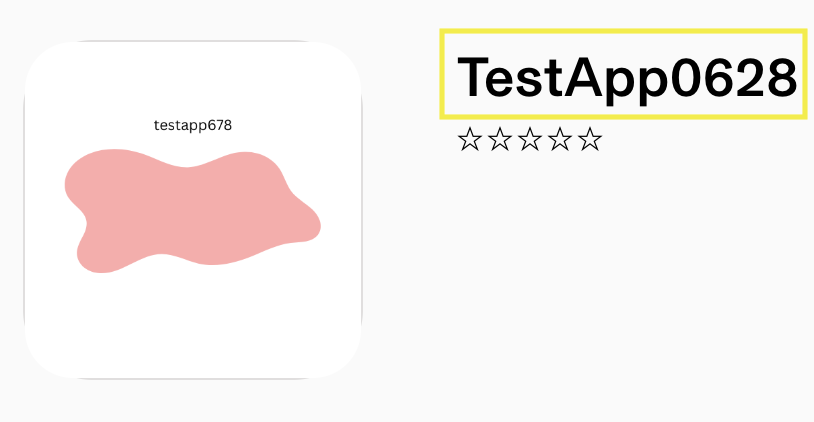
Display name
Ensure your app's display name is clear, concise, and user-friendly. This name will be visible to users in the Rippling App Shop and should be easily recognizable.
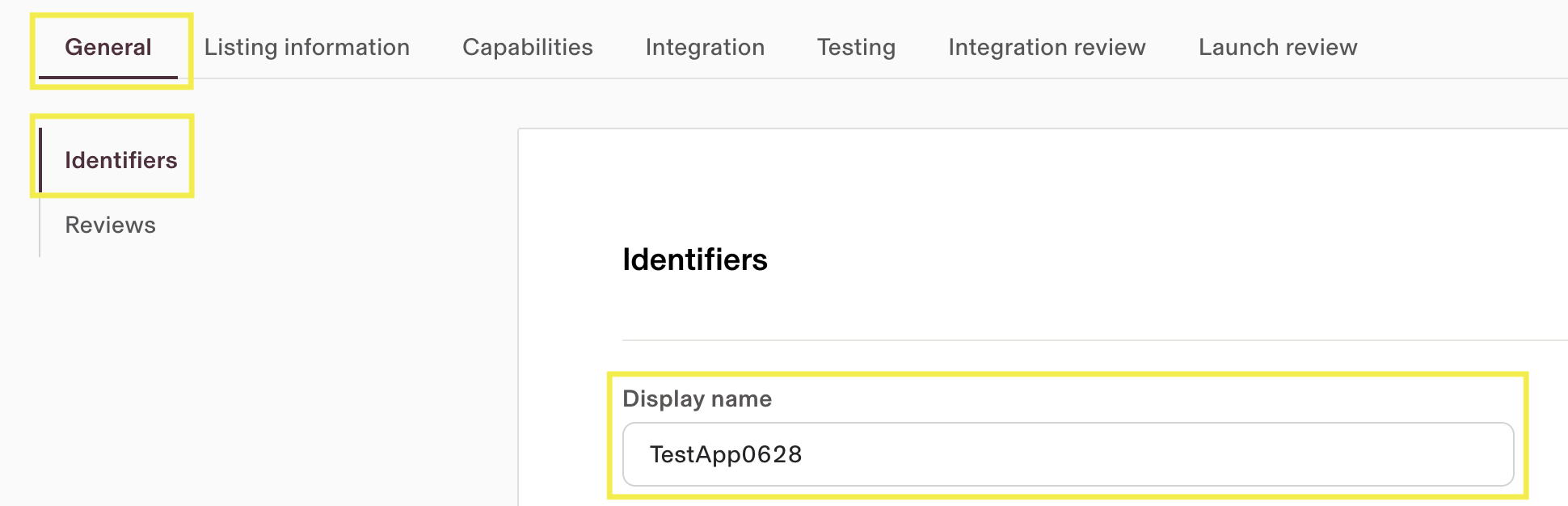
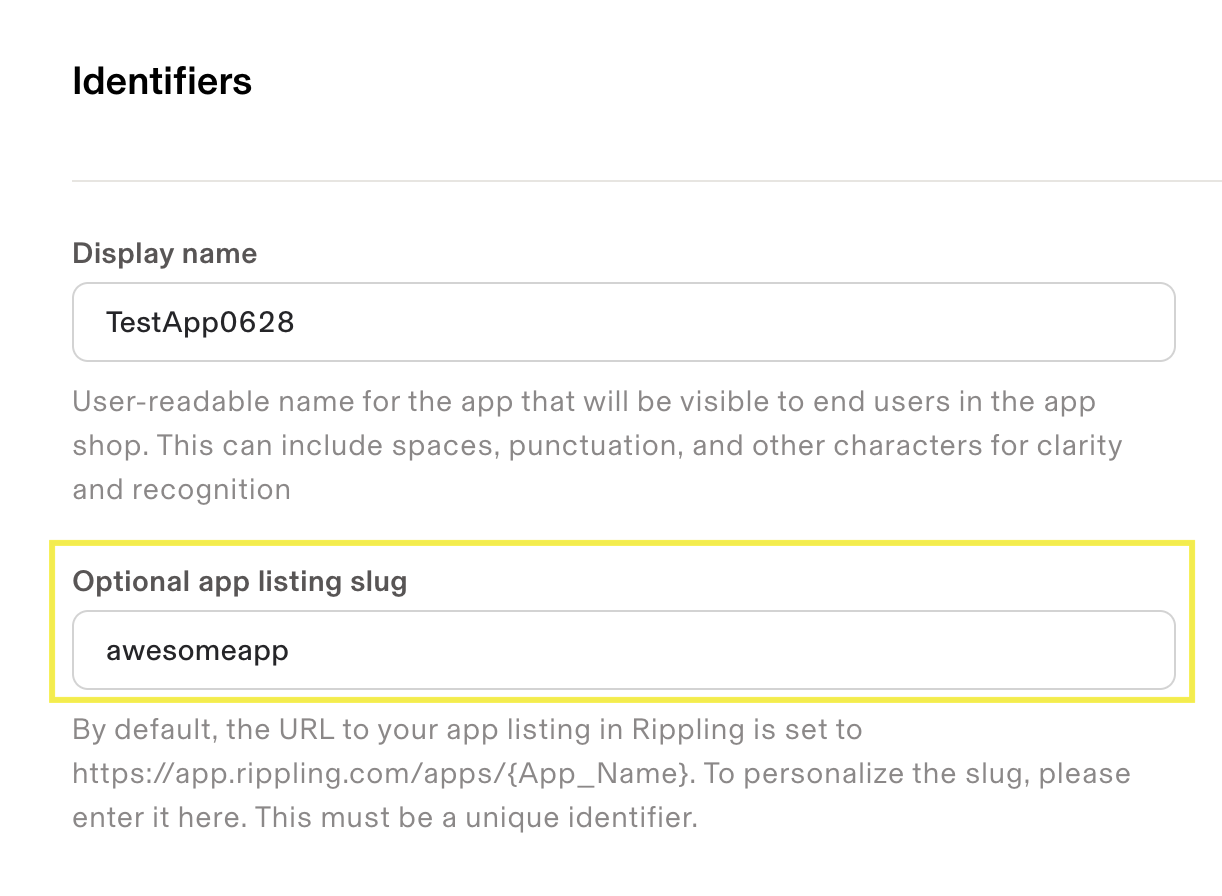
Optional app listing slug
This setting allows for a personalized URL to enhance branding and make it easier for users to find your app.
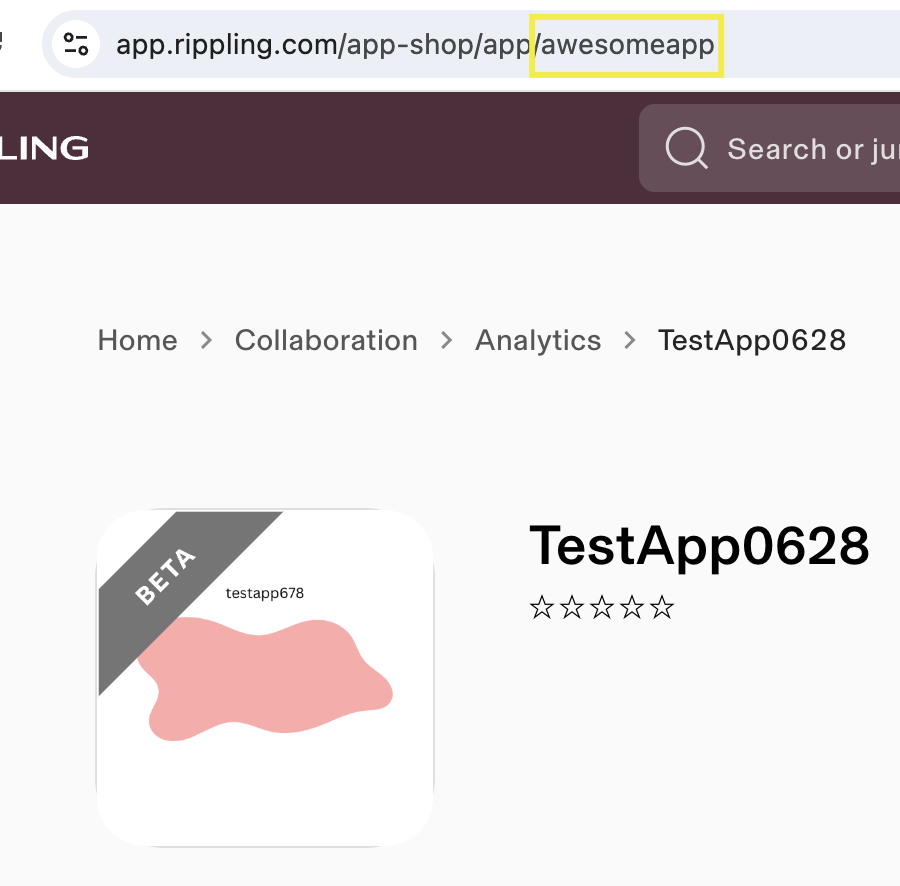
By default, the slug will be the app listing name; however, this optional slug will still redirect to your app listing.
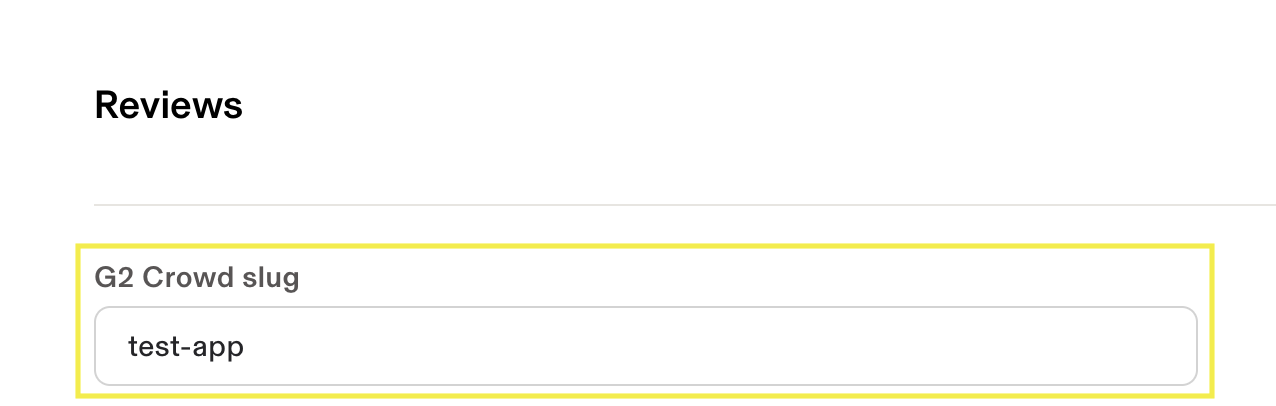
G2 crowd slug
Integrate G2 reviews by inputting your G2 slug. For example, if your G2 URL is https://www.g2.com/products/google-workspace/reviews, your slug would be "google-workspace."
Some benefits to this setting is that apps with G2 reviews often see higher installation rates due to the added credibility from user reviews.
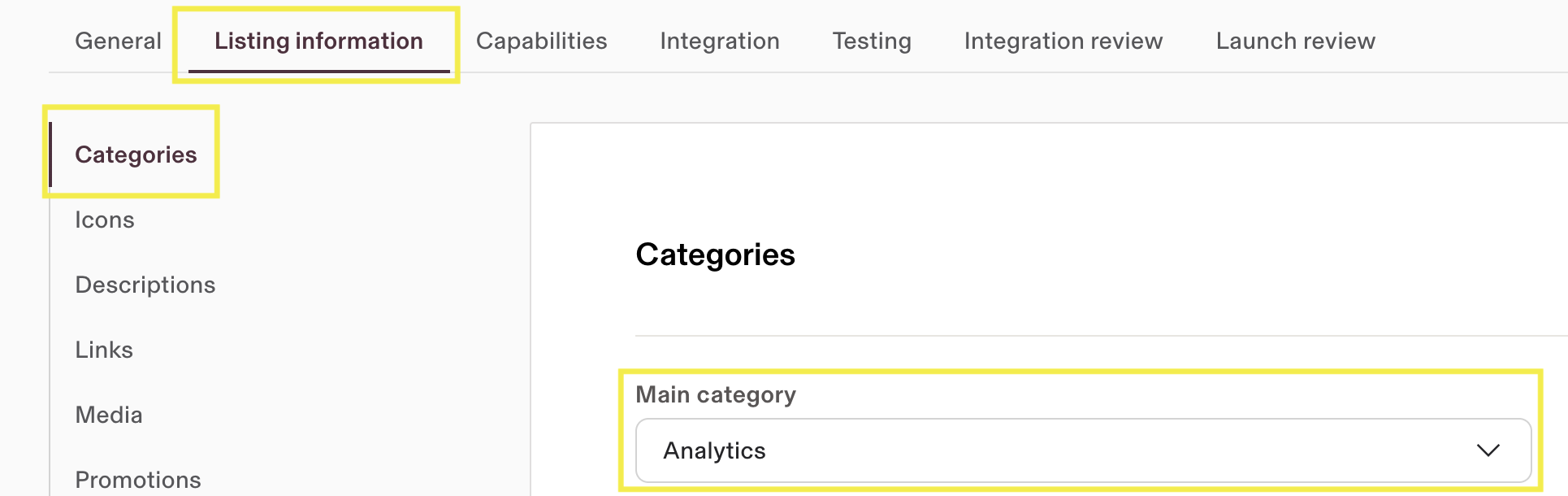
Categories
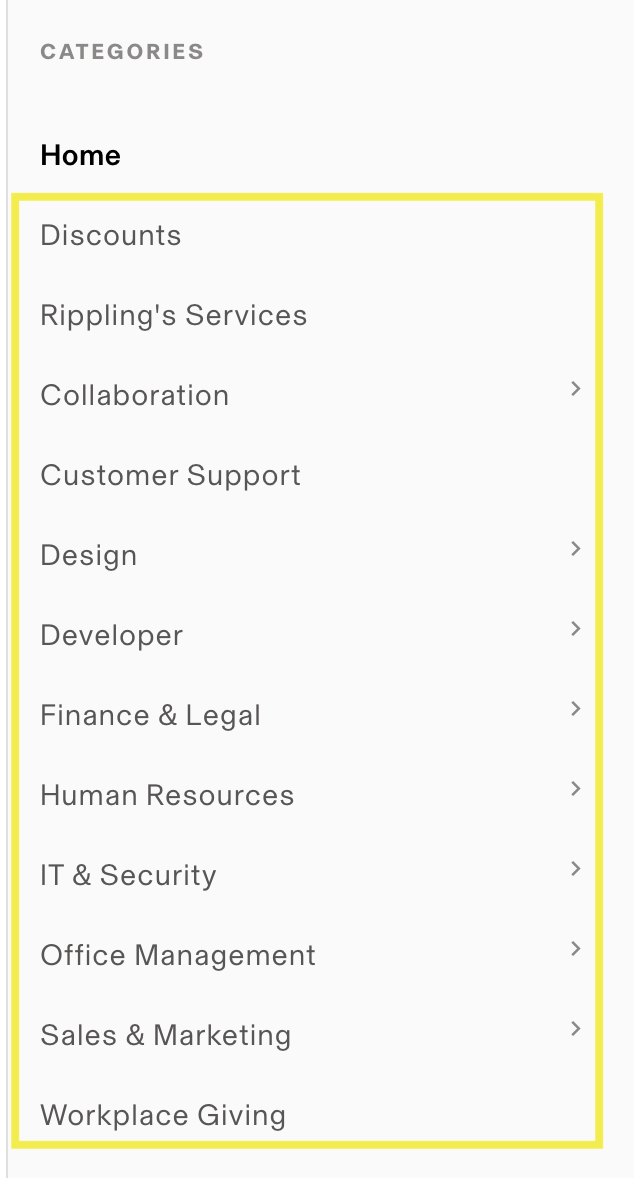
Select a category that best describes your app to ensure it appears in relevant search results within the Rippling App Shop. Proper categorization improves searchability and helps users find your app more easily.
Icons
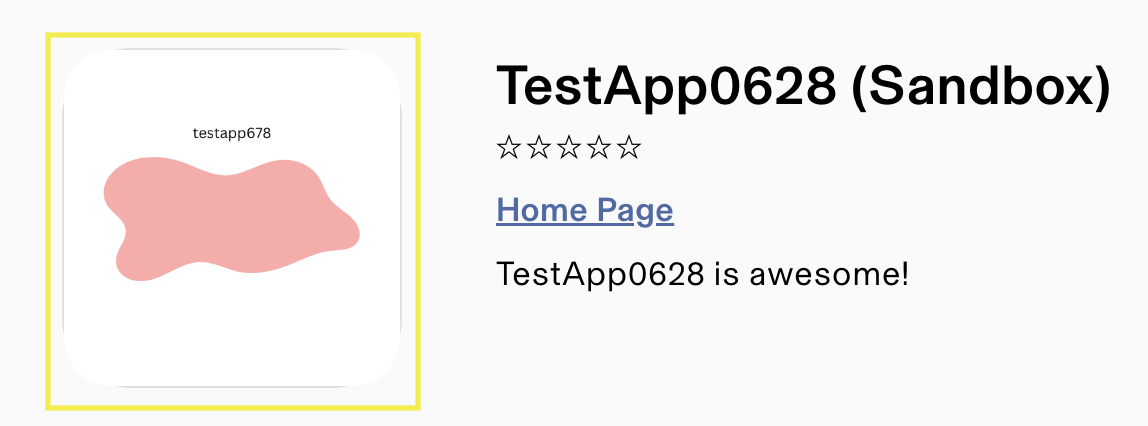
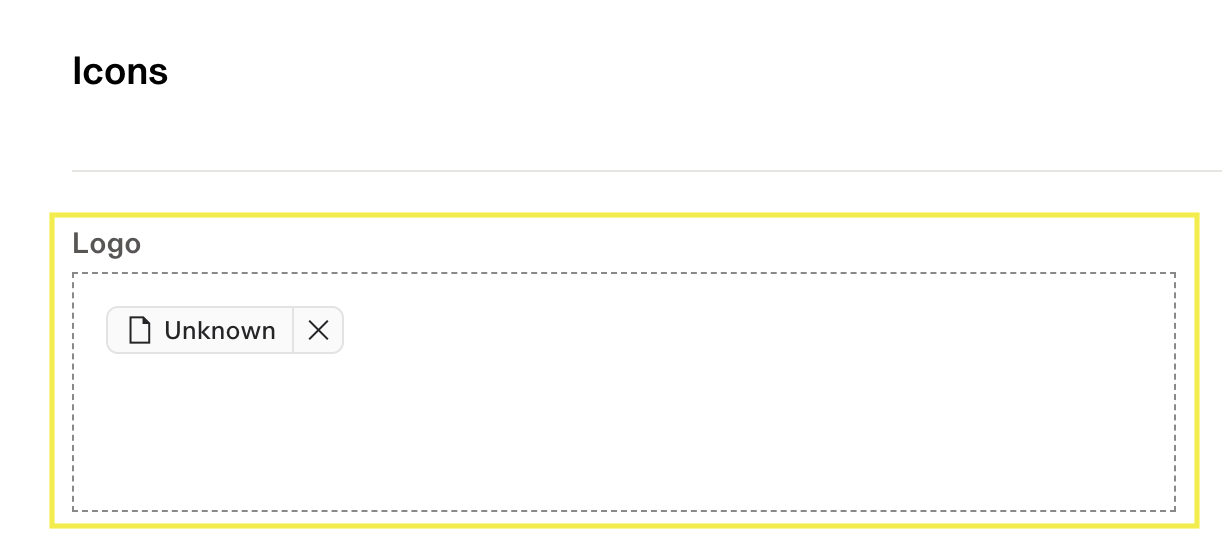
Upload a high-quality square icon image for your listing. A striking icon can enhance visual appeal and make your app stand out!
For optimum resolution, the ideal pixel size for these images is 320 x 320.
Descriptions
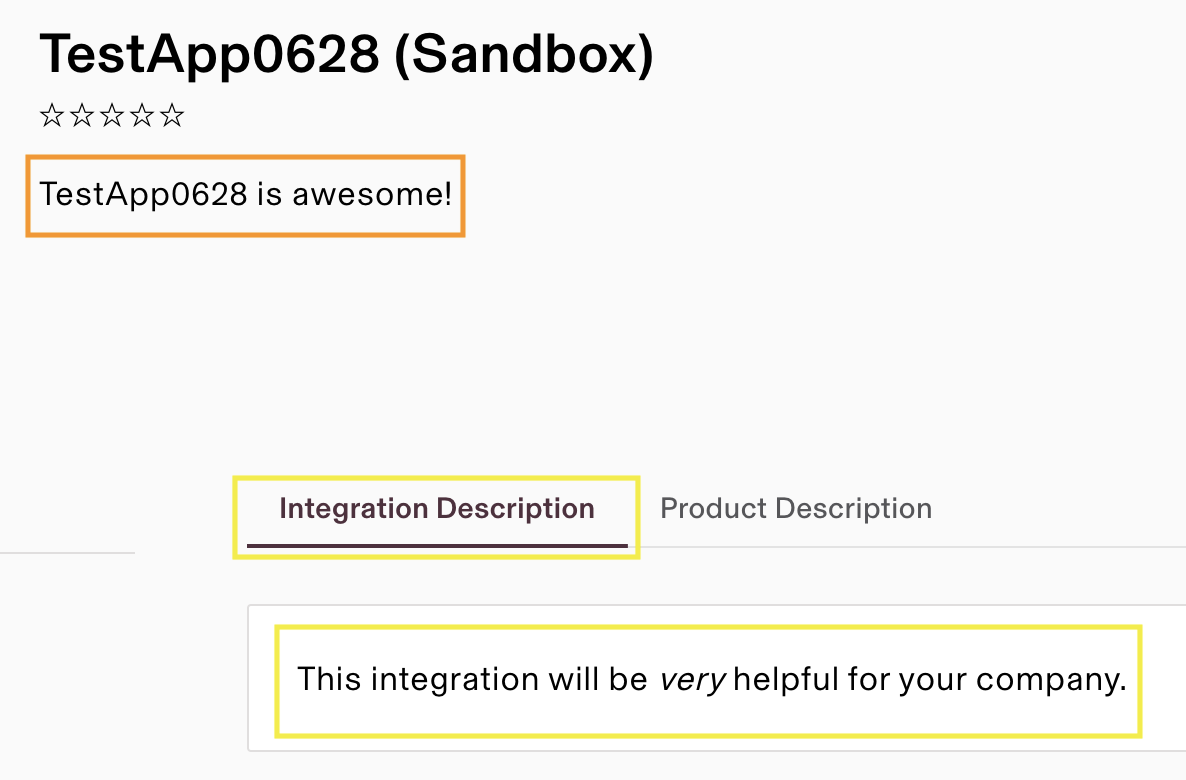
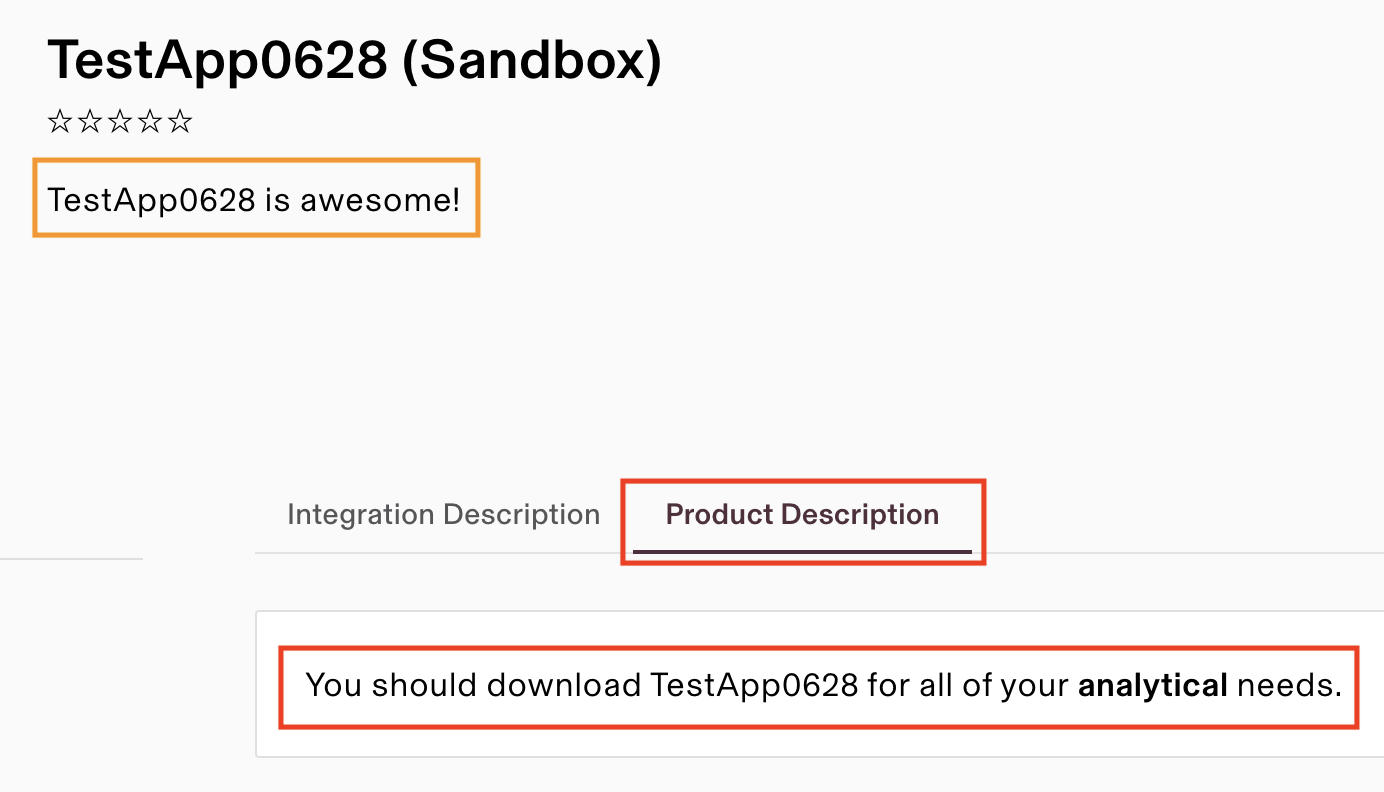
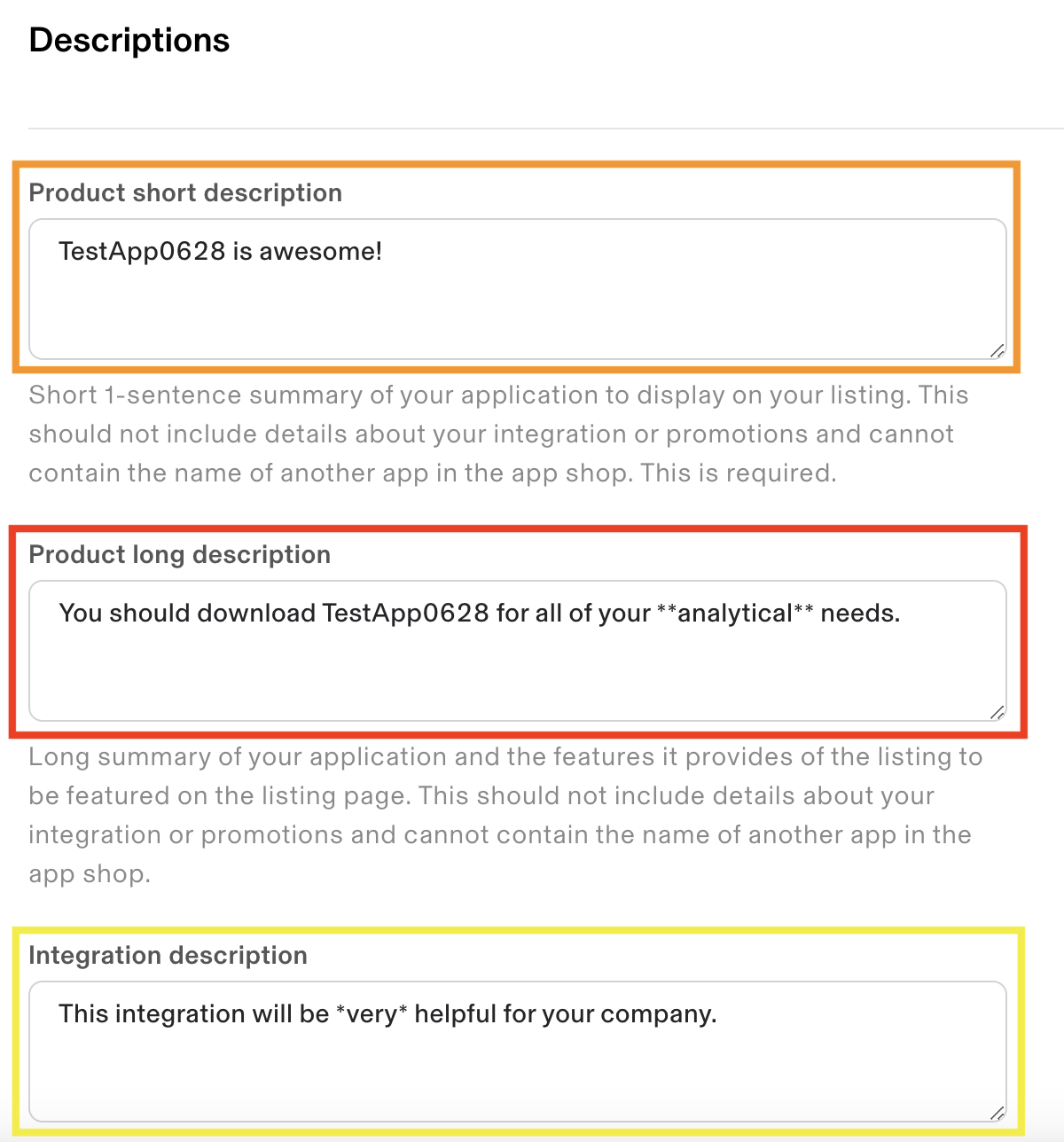
Use bold and italic formatting to create eye-catching and informative descriptions. Utilize Markdown syntax for formatting, for example, using * around a word will italicize it, while ** around a phrase will make it bold.
Here are a few examples of app listings with prime descriptions:
Vanity URL
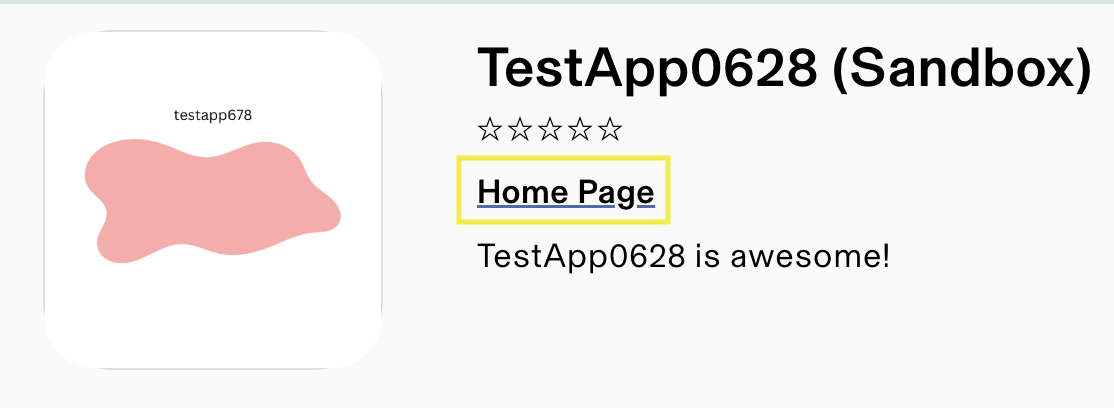
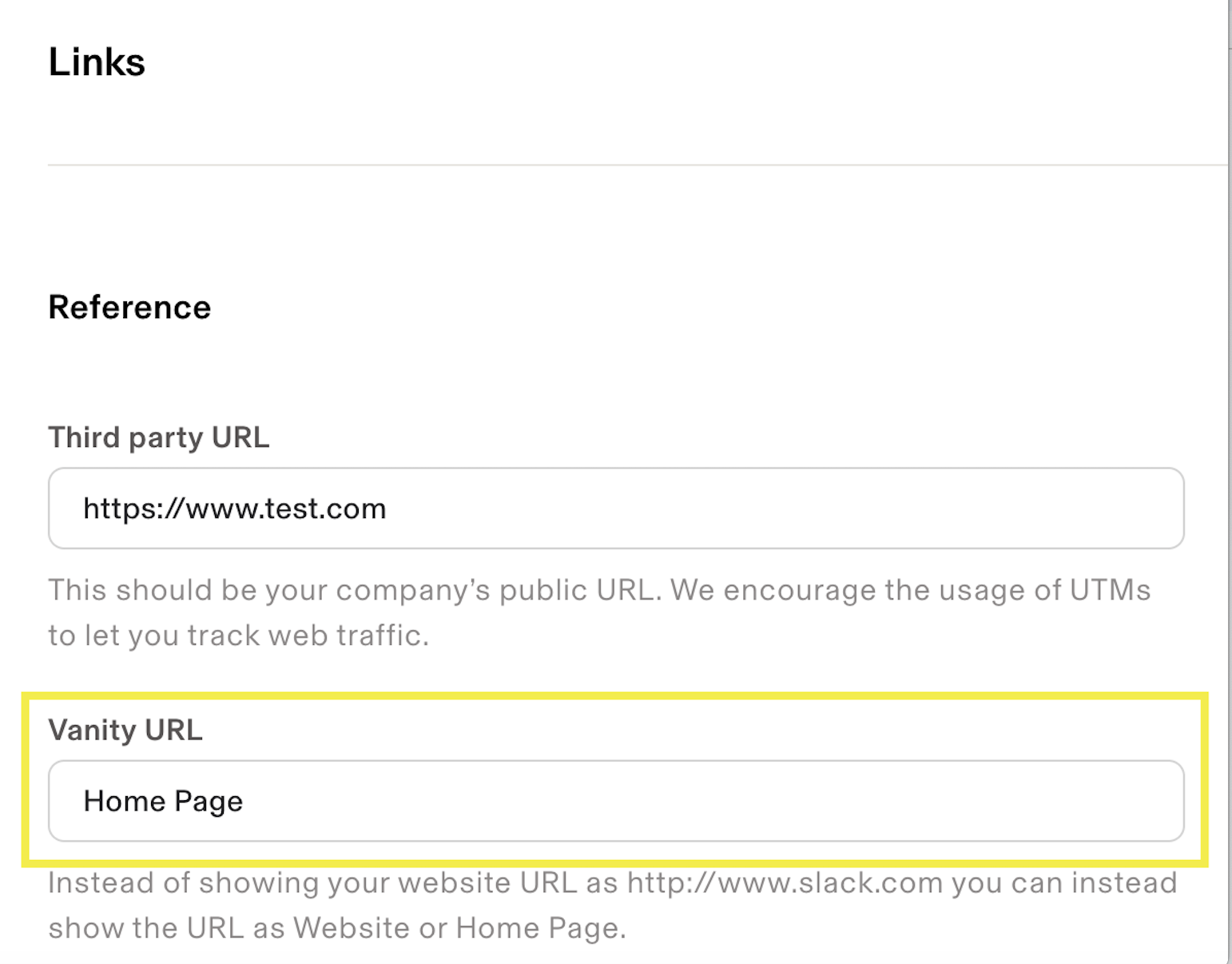
Customize your website URL to display as a more user-friendly name, such as “Website” or “Home Page.” The benefit with this is that it makes the URL look cleaner and more professional.
Media
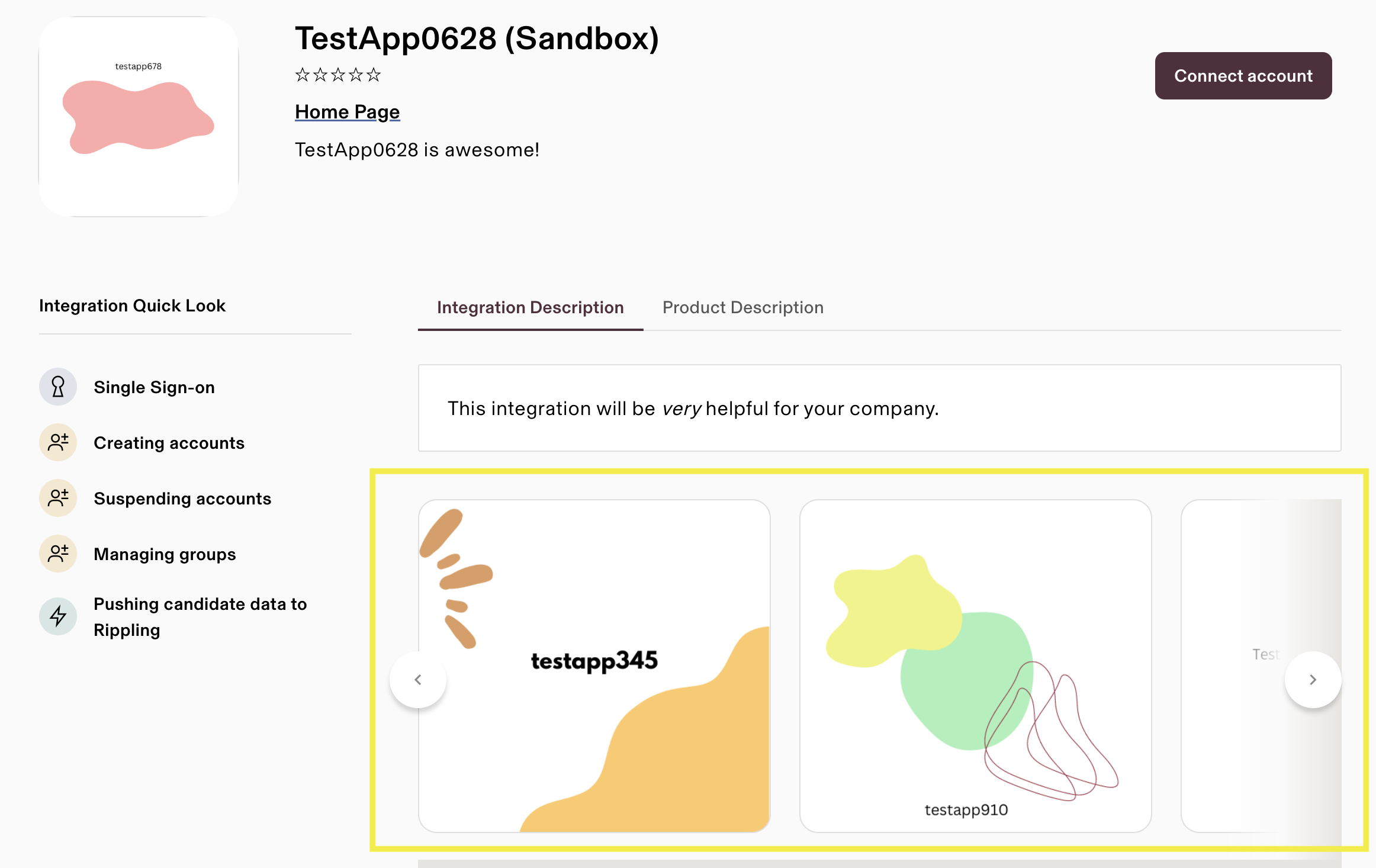
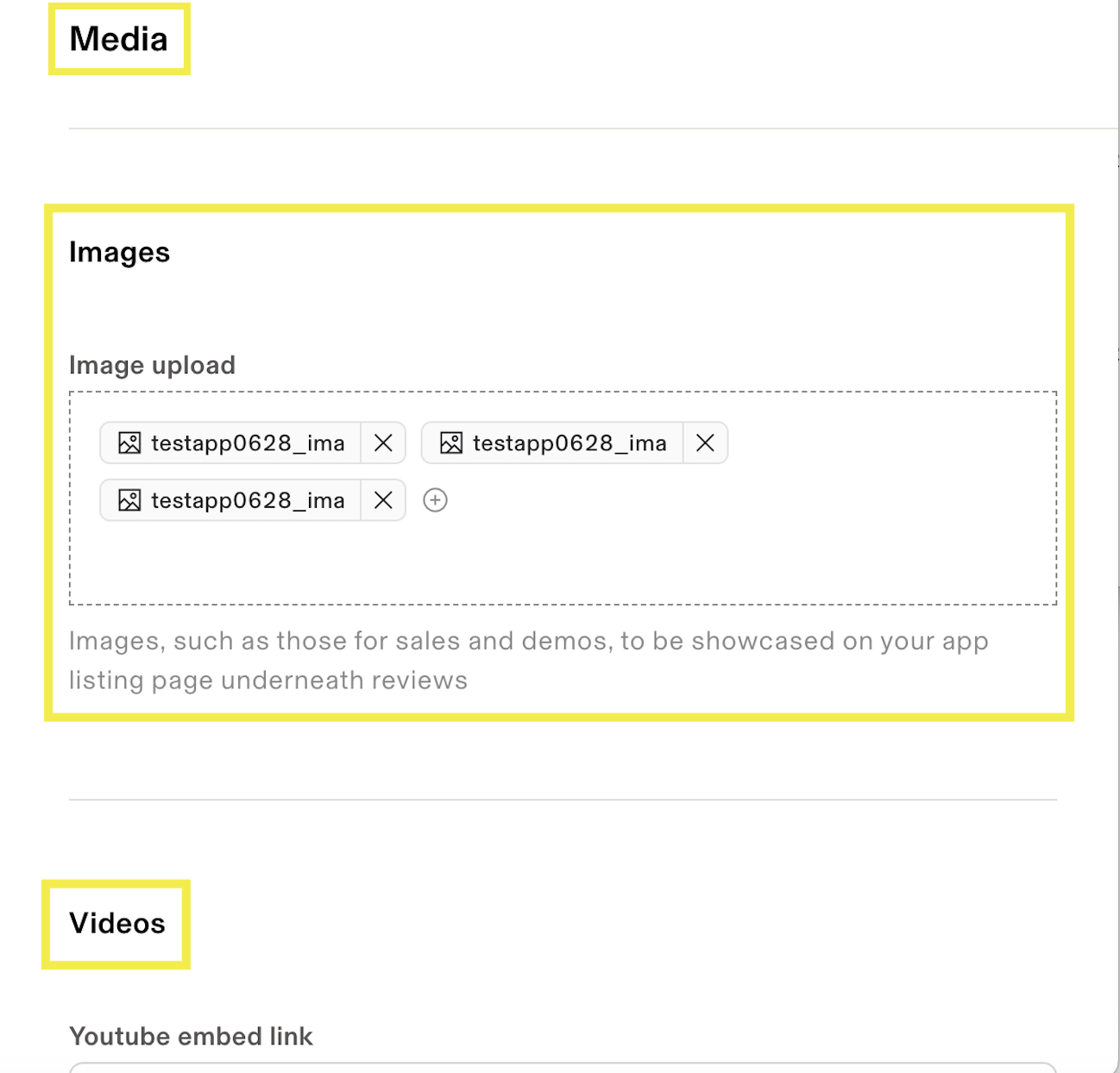
Upload images for sales and demos to showcase on your app listing page underneath reviews, or add YouTube links for app demos or promotional content. Visual content can significantly enhance user engagement and provide a clearer understanding of your app’s functionality.
Promotions
Highlight special deals or discounts for Rippling customers, such as "Receive 25% off when you sign up via Rippling." Promotions can incentivize purchases and drive higher conversion rates.
If this setting is enabled, your app listing will also be featured in the Discounts tab within the Rippling App Shop.
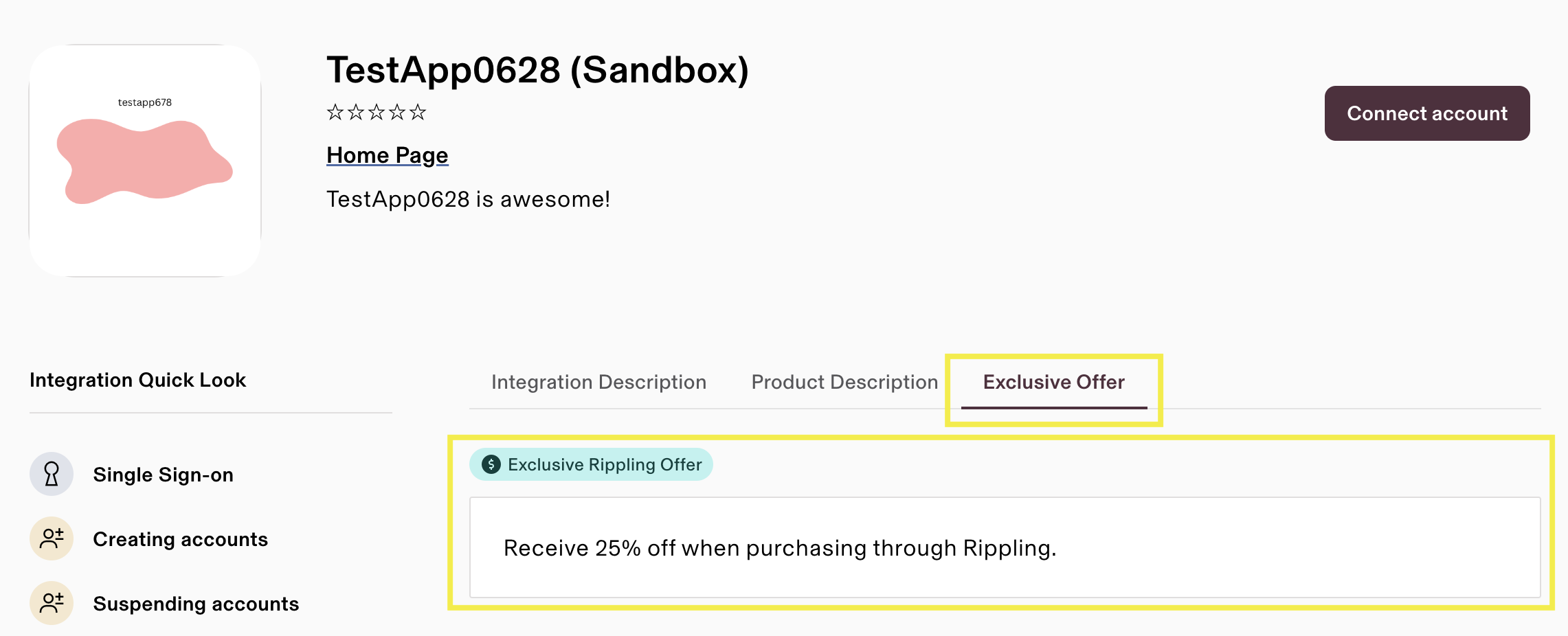
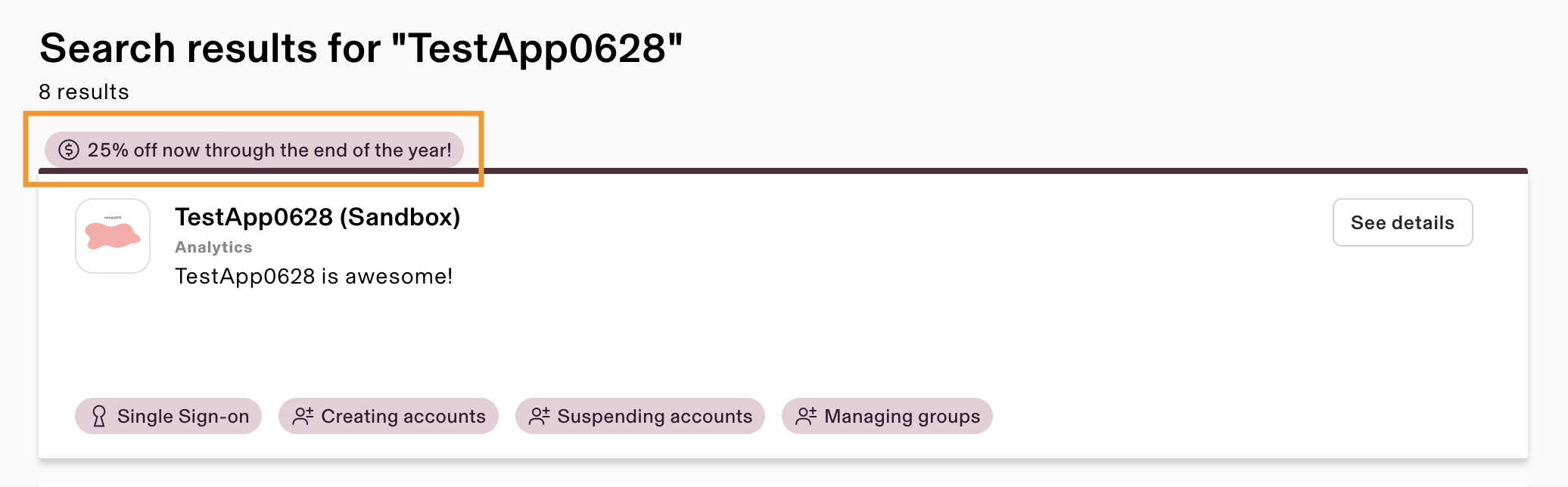
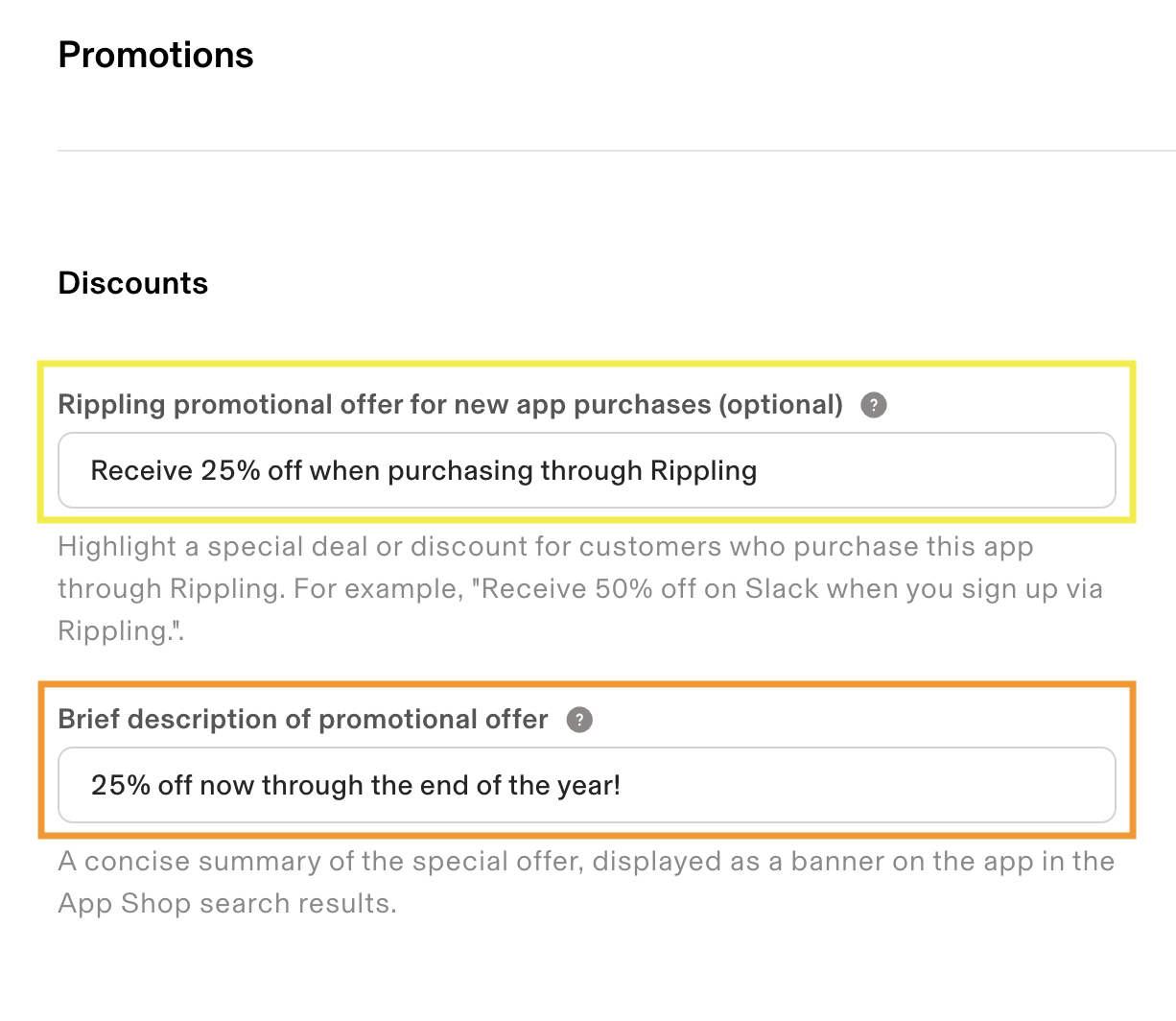
The “Brief description of the promotional offer” setting is only visible when searching for the app listing in the Rippling App Shop.
Referrals
Include your CRM webhook URL and CRM token. This can track referrals and provide valuable insights, and a key benefit to this setting is that leveraging referral tracking can help in understanding user acquisition sources and optimizing marketing strategies.
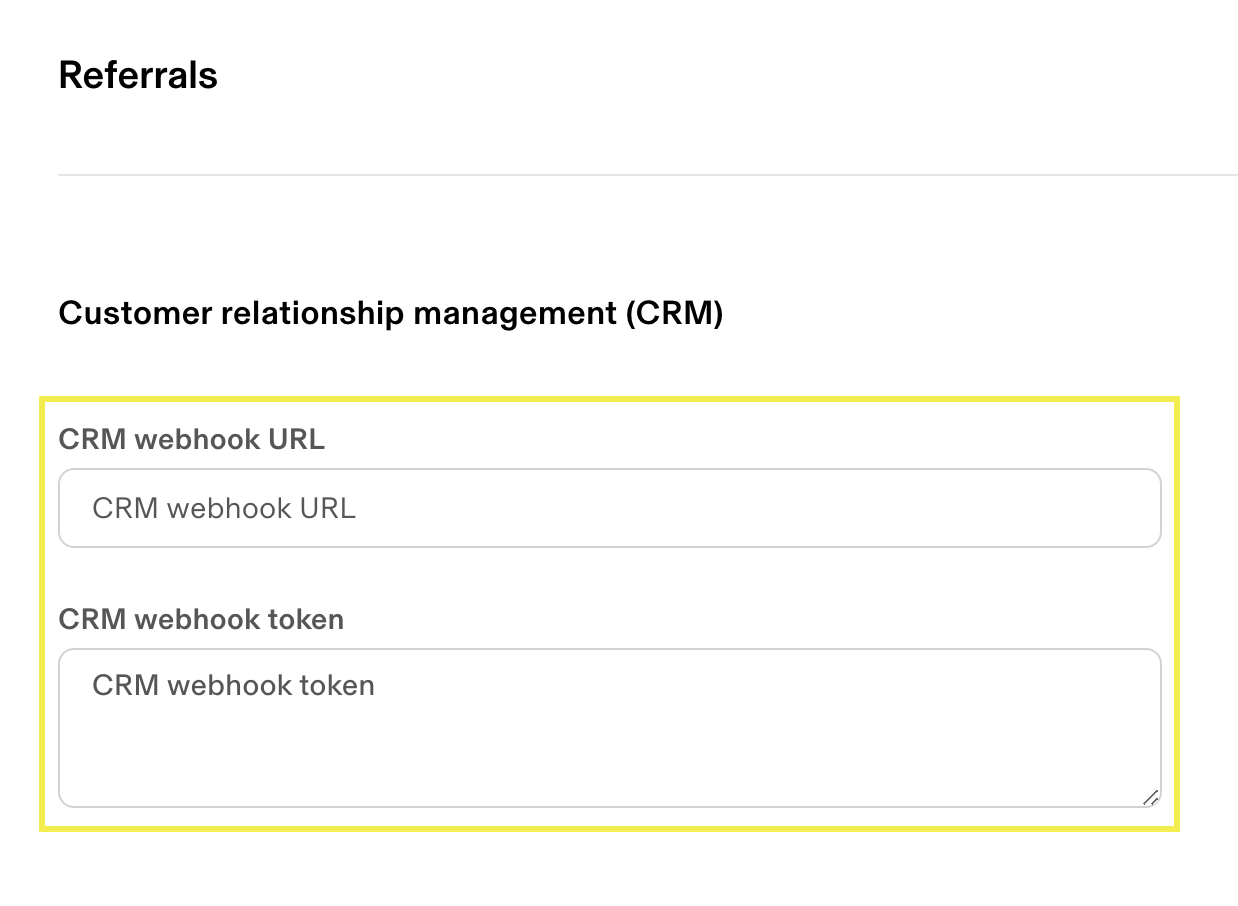
For more information on CRM webhooks, please see our CRM Lead Webhooks guide.
By following these best practices and effectively configuring your app listing, you can significantly enhance your app’s visibility and success in the Rippling App Shop.