

Each app listing will have two sets of credentials: one for testing/development purposes (sandbox credentials) and one for production usage (production credentials).
| Credential Type | Description |
|---|---|
| Sandbox credentials | These are the credentials that should be used any time you want to install your sandbox app in your test company. Customers should never use these credentials. |
| Production Credentials | These are the credentials that will be used any time a customer goes to install your app listing. |
Find your credentials
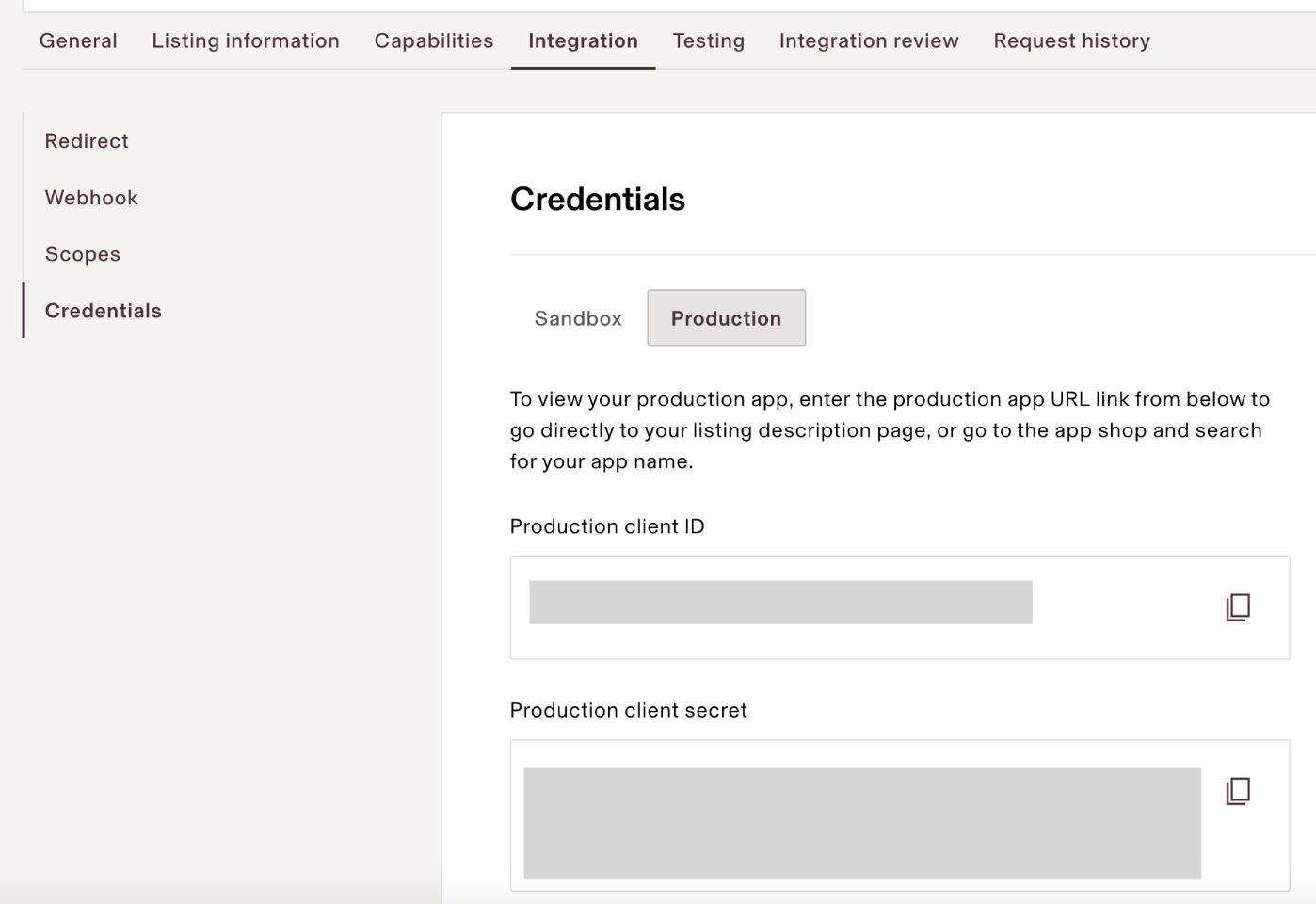
Each credential is comprised of a client ID and client secret. The credentials can be found on your app listing by navigating to the Integration tab and then clicking on Credentials.
Sandbox credentials
The Credentials > Sandbox tab will only display a client ID/client secret if you have already deployed your sandbox app listing. These credentials will need to be used to install your sandbox app in your test company.
Production credentials
Once the app listing has been approved for beta testing, the Credentials > Production tab will expose your client ID and secret that you should use for your production integration. This credential pair will be used by all customers when they install your app.