Read the Installation (OAuth) guide before reading this article.
Overview
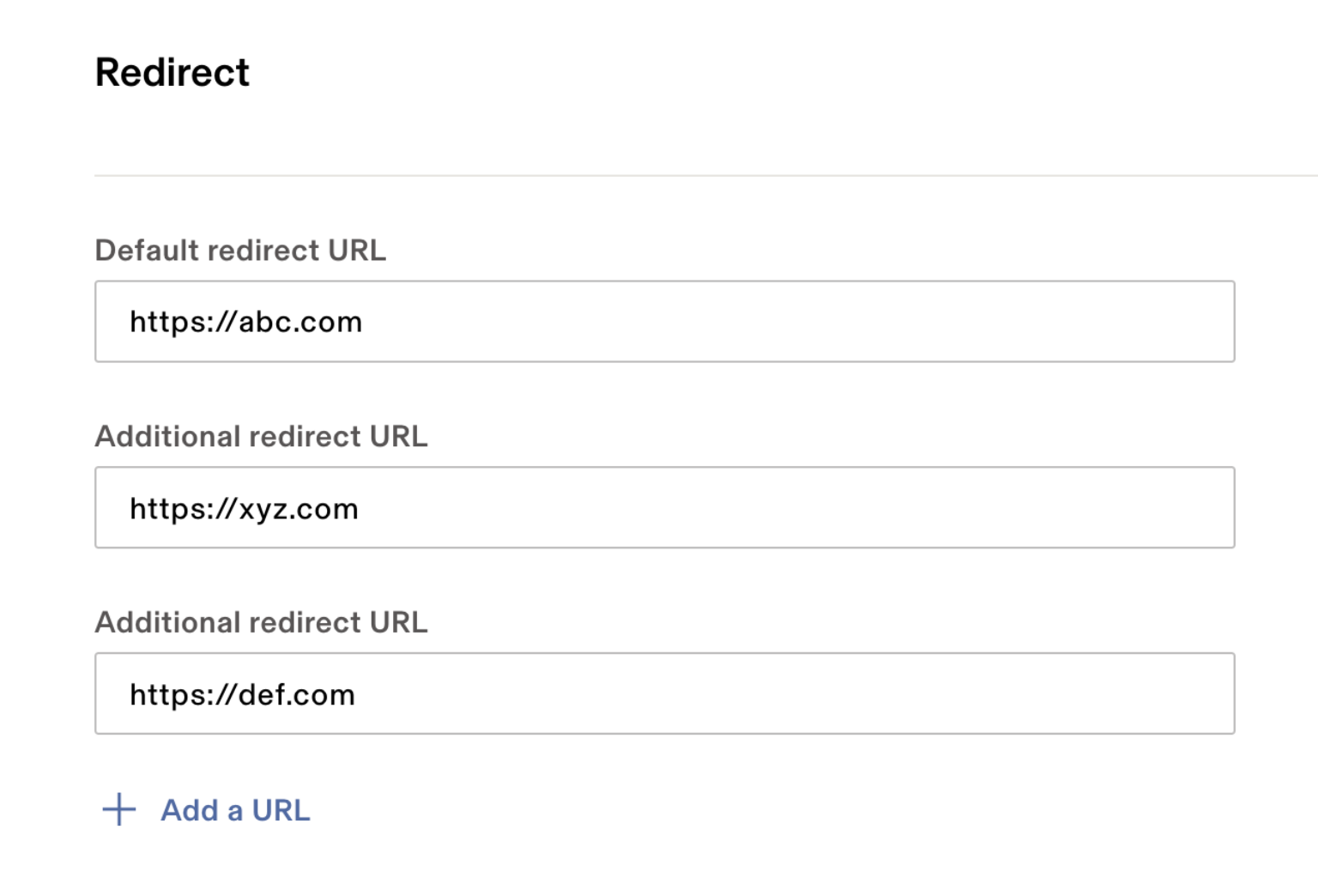
Each app listing has a configurable allowlist of redirect URLs. All app listings require a redirect URL to support the OAuth token exchange.
The Default Redirect URL will be the URL that Rippling redirects to anytime an app installation starts from Rippling.
Rippling will redirect to the redirect URL with an authorization code. The callback will look like this:
https://{redirect_url}/callback?code={authorization_code}&redirect_uri={redirect_uri}&buy=false
If you need to configure additional redirect URLs, you can add them as needed. All URLs added after the default redirect URL will be considered as additional redirect URLs. Rippling will only redirect to the additional URLs during the partner-initiated installation flow and if you explicitly pass in the URL as a parameter.
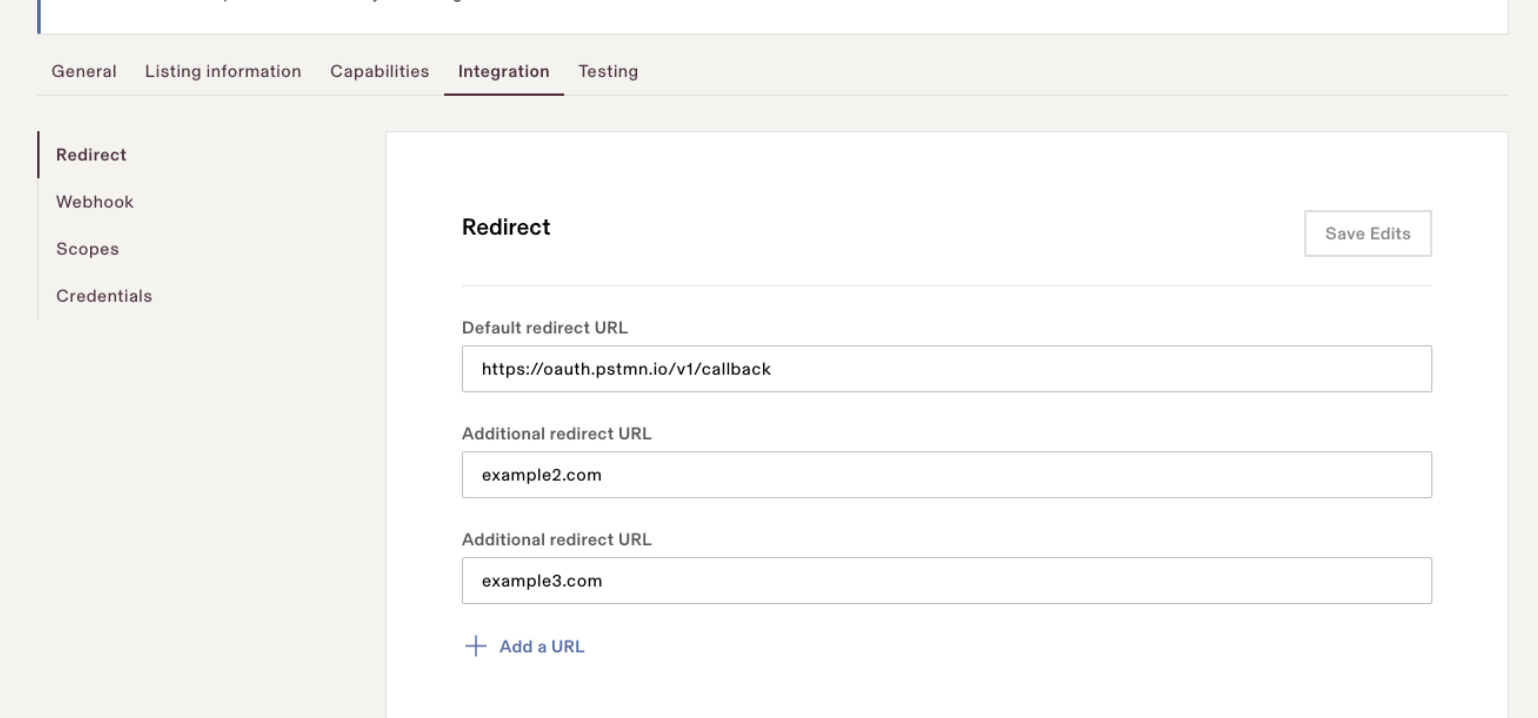
Using the example above, Rippling would use the example2.com additional redirect URL only if it was sent as a parameter during the partner-initiated installation flow:
https://app.rippling.com/apps/PLATFORM/INSERTAPPNAME/authorize?response_type=code&client_id=INSERTCLIENTID&redirect_uri=example2.com